
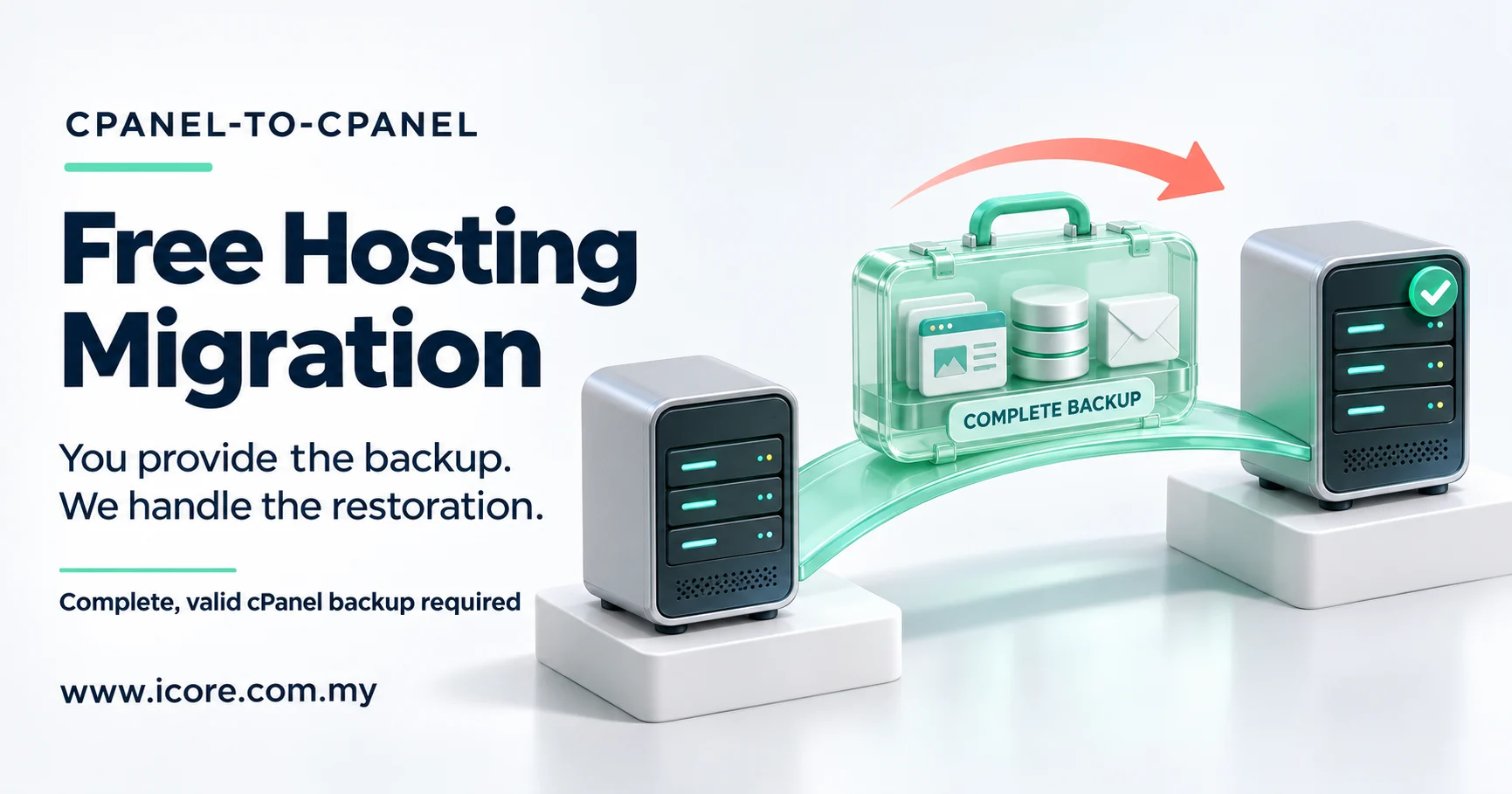
Free Hosting Migration — cPanel-to-cPanel; you provide a complete, valid backup and we handle restoration

Free Hosting Migration

Move Your Website
Without the Headache

Get free cPanel-to-cPanel migration when you provide a complete and valid cPanel full-account backup. Order your hosting, upload the backup and inform us—we’ll handle the restoration.

Handled by our migration team  •  Minimal disruption

Website FilesAll website data

Email AccountsEmails and settings

DatabasesMySQL databases

cPanel SettingsAccounts, subdomains, etc.

Free Migration in 3 Simple Steps

Prepare your backup, upload it to your new account and let our team handle the restoration.

1

Prepare Your Backup

Request a complete cPanel full-account backup from your current provider. If you are also transferring your domain, request its EPP/Auth Code.

2

Order & Upload

Order your iCore Hosting plan, complete payment and upload the full cPanel backup to your new hosting account.

3

We Restore It Free

Inform us after the upload. We will restore the cPanel account, then guide you to check the website and update the nameservers.

Prepare for a Smooth Move

Follow these steps to ensure a successful migration.

Before Migration

  • Keep your old hosting account active.
  • Provide a full cPanel backup or valid login access.
  • Your new hosting account should be empty; restoring may overwrite existing data.
  • Your hosting username may change after migration.

After Migration

  • Check public_html and website files.
  • Confirm email accounts and messages.
  • Compare MySQL databases and storage usage.
  • Update DNS only after everything is verified.
  • Do not cancel old hosting until the move is confirmed.

Minimal Downtime, Carefully Managed

During DNS propagation—usually up to 24 hours—visitors may reach either the old or new server. Avoid website and email changes during the migration window.

Technical & Special Cases

Here are some important details to be aware of.

Free cPanel-to-cPanel Migration PolicyAvailable when the source server can generate a complete cPanel account backup.

iCore Hosting provides free cPanel-to-cPanel migration when the source hosting server supports the generation of a complete cPanel account backup.

Migration Requirements

  1. The source server must support the full cPanel account backup function.
  2. A complete and valid cPanel backup must be available for restoration.
  3. Migration is performed by restoring the original cPanel account from the source server to iCore Hosting.
  4. The restored account must retain its original domain and account structure.

What Is Not Covered Under Free Migration?

Free migration does not include:

  • Transferring a website from Domain A to Domain B.
  • Migrating data from cPanel Account A into cPanel Account B.
  • Moving selected websites, databases, or email accounts between different cPanel accounts.
  • Merging, splitting, or restructuring hosting accounts.
  • Manual migration when a complete cPanel backup is unavailable.

Important Clarification

For example, migrating a website from Account A (domainA.com) to Account B (domainB.com) is not a standard cPanel account restoration. It requires additional manual work, including file transfers, database configuration, domain changes, and potentially application configuration updates.

These operations are beyond the capabilities of the standard cPanel full account backup and restoration process and are therefore not included in our free cPanel migration service.

Custom migration services may be available upon request, subject to technical assessment and additional charges.

PHP CompatibilityPHP versions and php.ini or .htaccess settings may need adjustment.
We will preserve compatible settings where practical. Some websites may need configuration changes when the new server uses a different PHP version or module set.
FTP-Only MigrationMoves website files only; email, MySQL, subdomains and control-panel settings are excluded.
If your current hosting provider only provides FTP access, we can migrate your website files using FTP. Email accounts, MySQL databases, subdomains and control-panel settings are not included, and these items may need to be set up manually after migration.
Database TransferWhen needed, provide a database dump for MySQL restoration.
If the old host does not allow a full backup, export the database in SQL format and provide it securely so our team can restore it to the new account.
Non-cPanel HostingSupported where practical through cPanel tools or a manual FTP copy.
Migration from other control panels is handled case by case. We may use a supported conversion tool or complete a manual files-and-database transfer.
Source Host RestrictionsA complete migration cannot be guaranteed if the old provider blocks access.
Migration scope depends on the access, backups and export tools available from your current provider. We will explain any limitations before the move begins.

Free cPanel-to-cPanel Migration

No migration fee when you provide a complete and valid cPanel full-account backup.

You Provide the Backup. We Handle the Restoration.

Upload the full cPanel backup to your activated iCore Hosting account and inform our team. We will restore the account at no migration charge. After restoration, check your website and email, update the nameservers, and keep your old hosting active until DNS propagation is complete.

Eligible Hosting Services

Free migration is available for the following iCore Hosting services.

Web Hosting

GX20GB
GX30GB
GX Unlimited
Semi Dedicated

Email Hosting

Standard
Premium
Enterprise Business Email

WordPress Hosting

Business
Pro
Unlimited

VPS & Dedicated

SME
VPS / Dedicated with
cPanel or DirectAdmin

Ready to Make the Move?

Our team will review your current setup and guide you through the next step.

Available to eligible new customers. Terms and technical limitations apply.